Retired on Paper

Retired on Paper › Family records › The Family History Binder

The Family History Binder

Who are the people in Grandma's old photos? Write it down while someone knows.
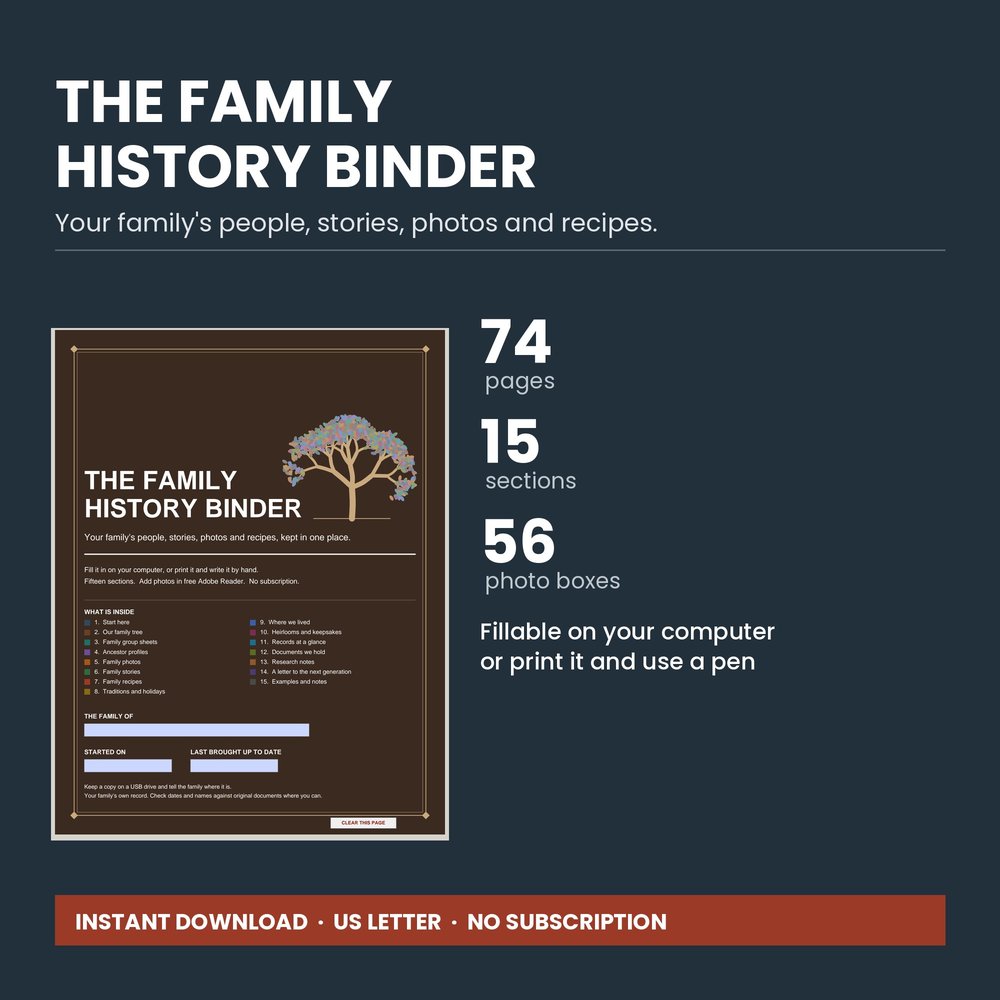
The Family History Binder

Your family's people, stories, photos and recipes, in one place.

Your family's people, stories, photos and recipes, kept in one place before they're lost: the names on the back of old photos, Grandma's recipes, where everyone came from.

74 pages · 15 sections · 2,066 fill-in boxes · 56 photo boxes · fillable or printable

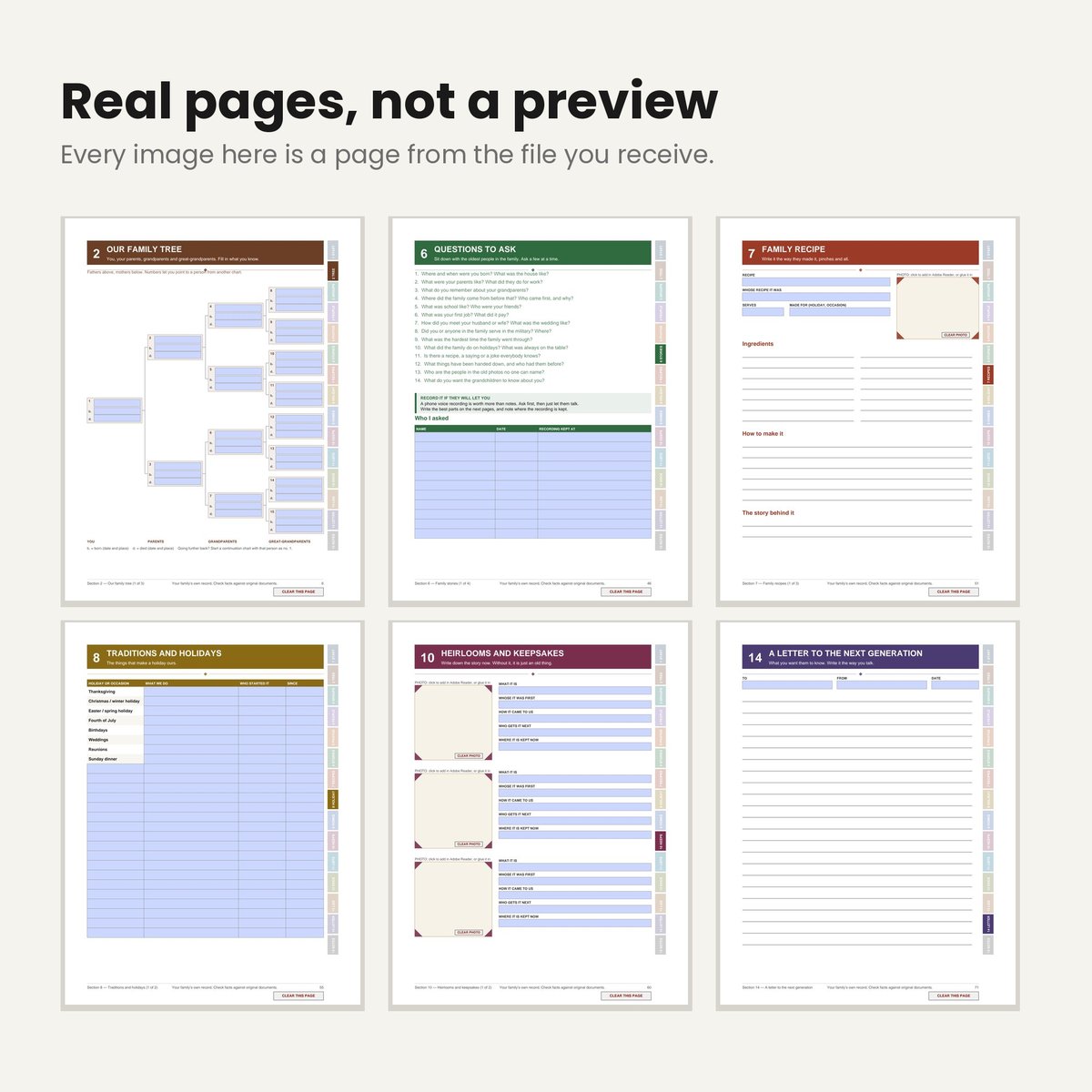
It works when you type in it. The boxes line up and the Tab key moves through each page in reading order. It doesn't save itself, so the first page shows you exactly how to save your work.

Add your own photos. 56 photo boxes. On a computer with free Adobe Acrobat Reader, click a box, pick your picture, and it fits itself to the box. A CLEAR PHOTO button takes it back out. Anywhere else, print the page and glue the photo in.
What's inside

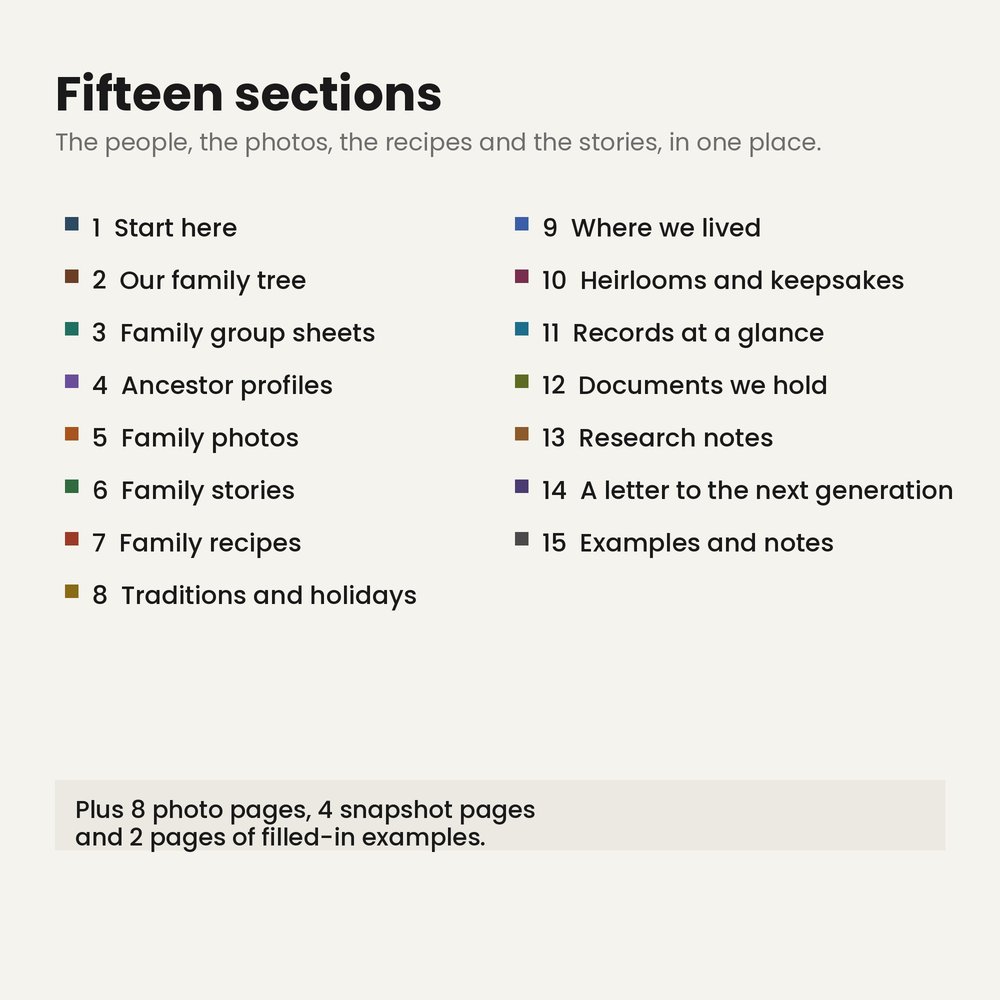
  1. Start here — how to use it, how to save it, and how to add photos and print extra pages
  2. Our family tree — four generations on one page, plus two continuation charts to go further back
  3. Family group sheets — six of them, one couple and their children on each
  4. Ancestor profiles — fifteen, one person per page with a photo: the facts, their work, homes, military service, where they came from, and what you know about them
  5. Family photos — eight pages of two big photos, four pages of four snapshots, each with who is in it, the year and place, and where the original is kept
  6. Family stories — questions to ask the oldest people in the family, and pages for the answers
  7. Family recipes — three recipe pages with a photo, written the way they made it
  8. Traditions and holidays — the holidays and how you keep them, plus family sayings and customs
  9. Where we lived — every home and town, oldest first
  10. Heirlooms and keepsakes — six, each with a photo: whose it was first, how it came to you, and who gets it next
  11. Records at a glance — military service, immigration and citizenship, cemeteries and burials
  12. Documents we hold — which papers the family has and where each one is kept
  13. Research notes — a research log and a page for the ancestors you can't find yet
  14. A letter to the next generation — what you want them to know, in your own words
  15. Examples and notes — two pages of filled-in examples, then a page for notes
The sections inside The Family History Binder
Sample pages from The Family History Binder

What you get

  • The complete binder as a fillable PDF: 74 pages, 15 sections, 2,066 fill-in boxes, 56 photo boxes, and a CLEAR THIS PAGE button on every fill-in page that asks before it erases anything
  • A zip of the same binder split into 15 separate section files, so you can open or print only the part you need, or keep filling in a fresh copy of any section
  • Print extra blank pages of any section. Every box prints as a bordered line, so it works with a pen straight out of the printer

Who it's for

Anyone who wants the family's story written down while someone still remembers it. It also makes a thoughtful gift for a parent or grandparent to fill in, or to fill in together.

Common questions

What do I need to fill it in?

A computer and a free PDF program: Adobe Acrobat Reader, Google Chrome or Microsoft Edge (tested on a Windows computer). No account, no subscription, nothing to sign up for.

Does it save by itself?

No. The first page shows you exactly how to save your work in each of those programs.

Can I print it and use a pen instead?

Yes. Every box prints as a bordered line, so it works with a pen straight out of the printer. Print the whole thing or only the pages you need. US Letter, 8.5 x 11.

Is anything shipped?

No. It's a digital download from our Etsy shop. For personal use in one household.

Please read

This is a keepsake organizer. It contains no family records and does no research for you; the facts come from your own family and papers. Check dates and names against original documents where you can. Photos go in with free Adobe Acrobat Reader on a computer (tested on Windows). Chrome, Edge and phone apps can fill in the typing boxes but can't add photos, so print that page and glue the photo in instead.

This item was created with the use of AI.